Cat Image Hub
Web App
Next.js
MongoDB
OAuth
Browse random cat images and save your favorites after signing in.
Cat Image Hub
Cat Image Hub is a web app for browsing random cat images, where signed-in users can save their favorites to a personal collection. It was built with Next.js, TypeScript, and MongoDB, drawing images from the Cat API and handling sign-in through Google OAuth.
Key Features
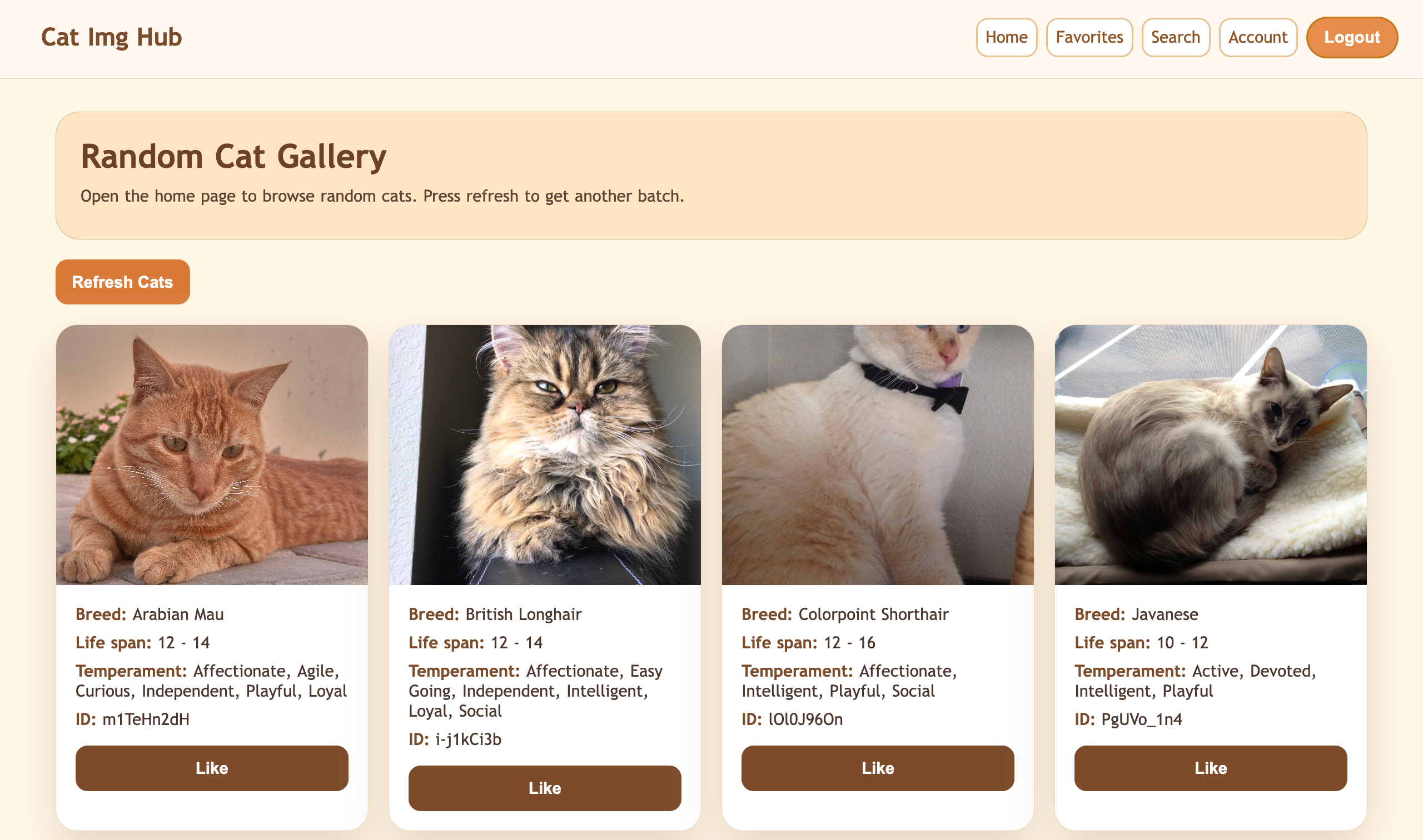
- Random gallery — the home page loads a grid of random cats with breed, lifespan, and temperament, fetched server-side from the Cat API.
- Search by ID — look up any cat image by its Cat API image ID.
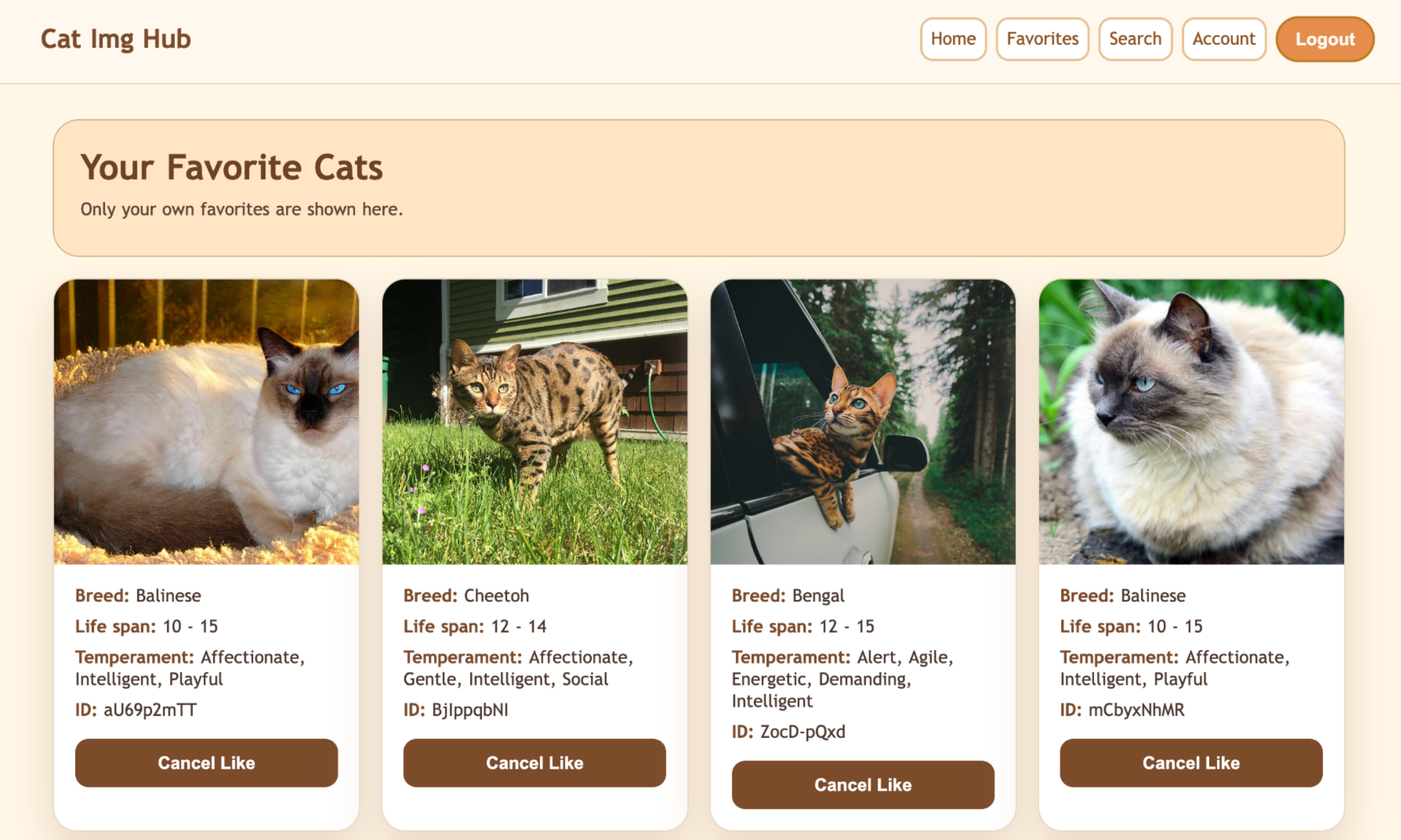
- Favorites — signed-in users can like/unlike cats; their picks are saved to MongoDB and shown on a dedicated page.
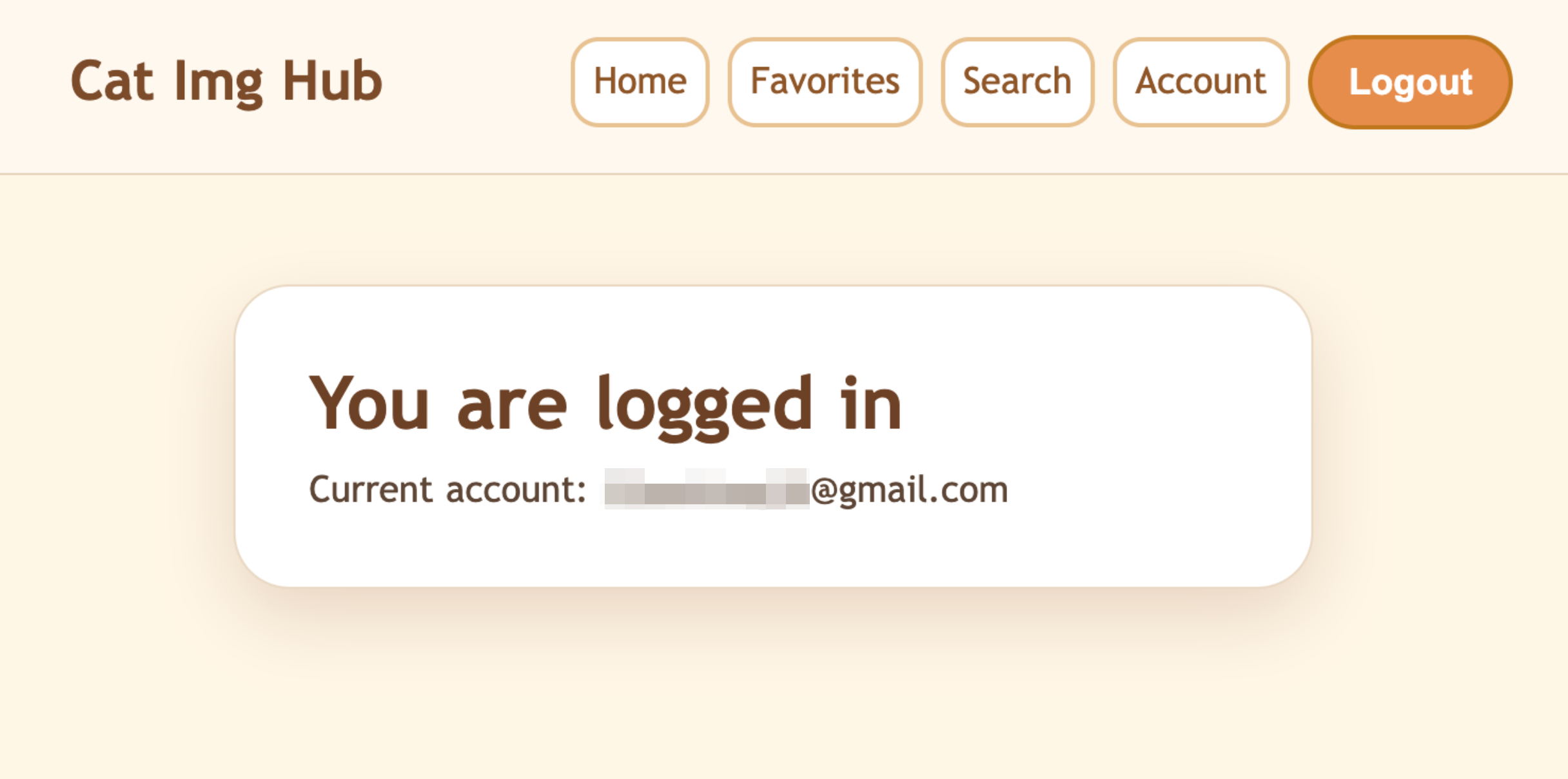
- Google sign-in — one-click OAuth login through Auth.js v5; no passwords stored.
How It Works
Pages are Next.js Server Components that fetch initial data and hand it to small interactive client components, keeping the client-side JavaScript light.
- Cat API layer — a thin wrapper retrieves random and single-image data, backfilling breed details when the API omits them.
- Favorites service — a
favoritescollection in MongoDB (raw driver, no ORM) stores each saved cat keyed to the user’s Google account ID, with deduplicated add/remove operations. - Authentication — Auth.js stores the Google account ID in the session token, so every server component and API route can identify the user without an extra database lookup.
Tech Stack
| Layer | Technology |
|---|---|
| Framework | Next.js 16 (App Router) |
| Language | TypeScript 5 |
| Auth | Auth.js v5 + Google OAuth |
| Database | MongoDB 6 (raw driver) |
| Styling | styled-components 6 |
| External API | The Cat API |
Team
Built by Pinn (Aiqi) Xu (authentication, layout, navigation, styling), Yuchen Bao (Cat API integration, home and search pages, cat cards), and Tianpeng Xu (MongoDB, favorites service and page, shared types).