Notion Database Workflows
1 Project Progress Auto-Tracking Workflow
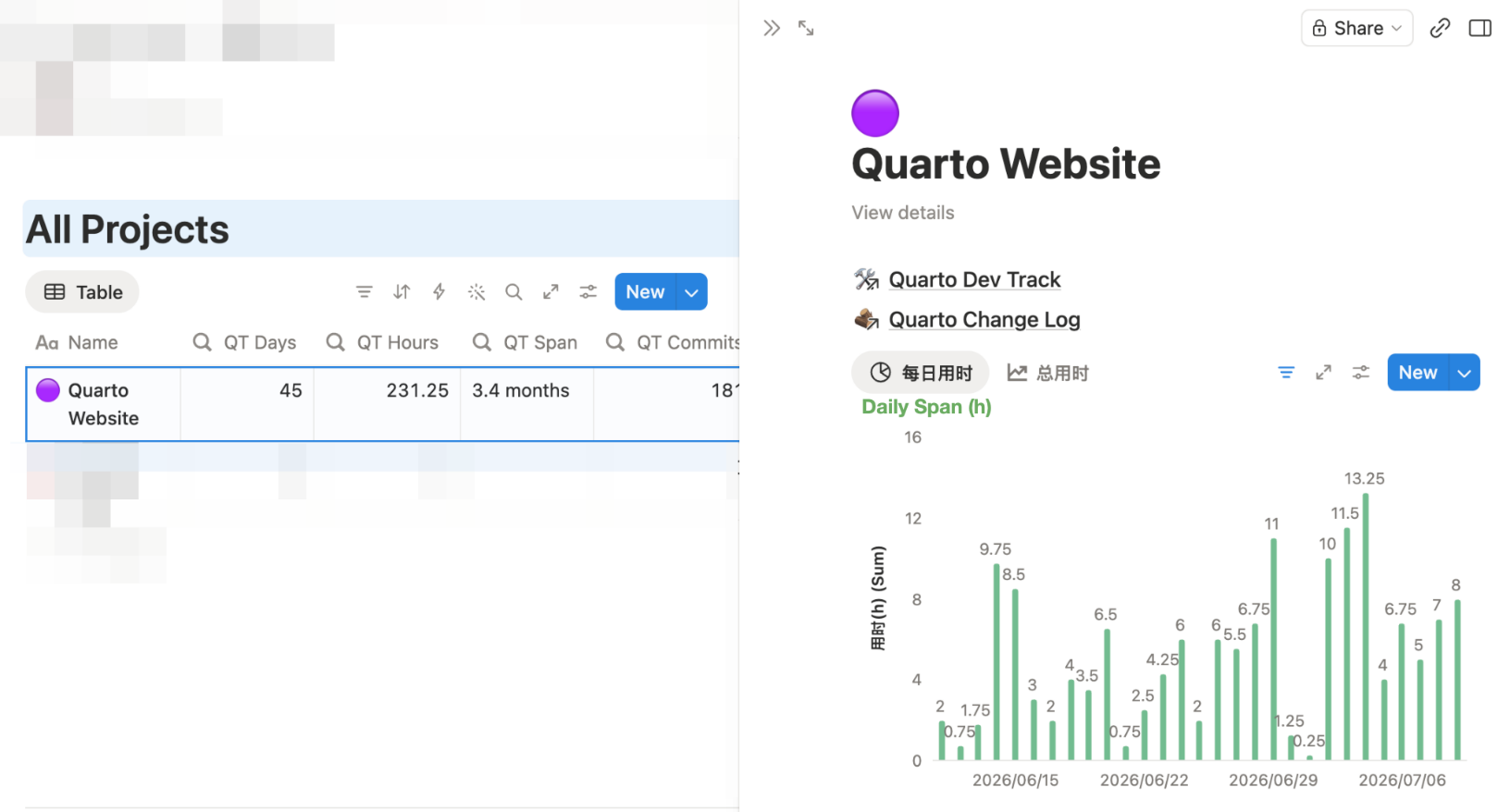
This workflow records project progress with minimal effort. Three types of linked databases do the work: Tasks → Progress → Projects. I log tasks through Notion Calendar, the data populate automatically, and external applications can read the results through the Notion API.
For example, I use this workflow to track the development of this website. Notion Database Auto-Sync Tips explains how the sync is built, and the Quarto Website page on Notion shows the live databases.


I log individual tasks in the Task database (“Quarto Dev Track”) through Notion Calendar. Daily progress is aggregated into the Progress database (“Quarto Change Log”) by Rollup and Formula properties, and synced to external applications (this website as an example) via the Notion API. The Project database (“All Projects”) shows every project’s progress and key statistics in one place.
2 Notion Database as CMS
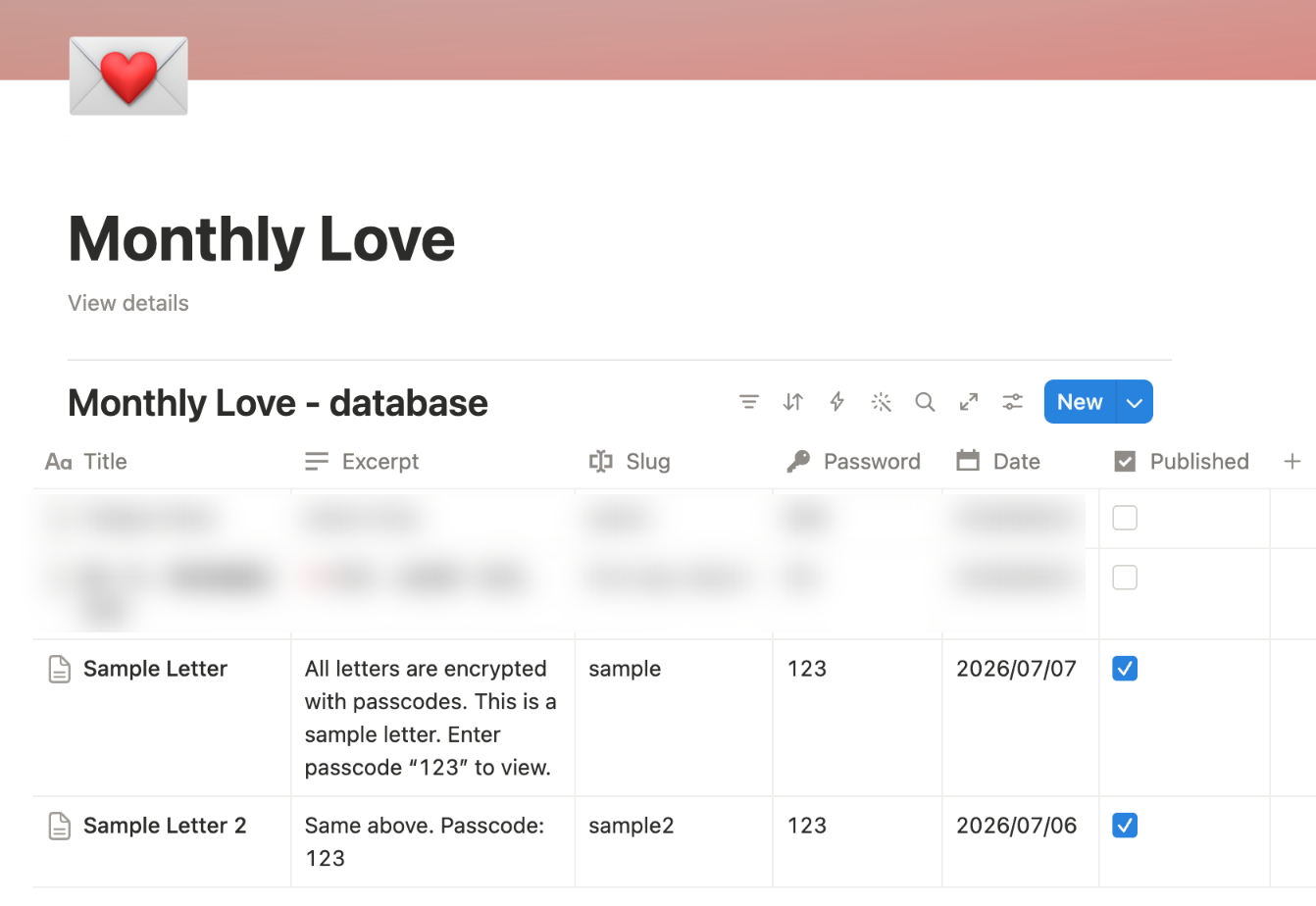
Monthly Love is a web project of mine that uses a Notion database as its Content Management System (CMS). The app is built with Next.js, TypeScript, and the Notion API, with the help of Claude Code. The setup happens once; after that, all content management happens in the Notion UI.
The code is on GitHub at Pinn32/monthly-love, and a live demo runs at monthly-loveletter.vercel.app (portal passcode missu; sample pages passcode 123).
3 Course Assignment Dashboards
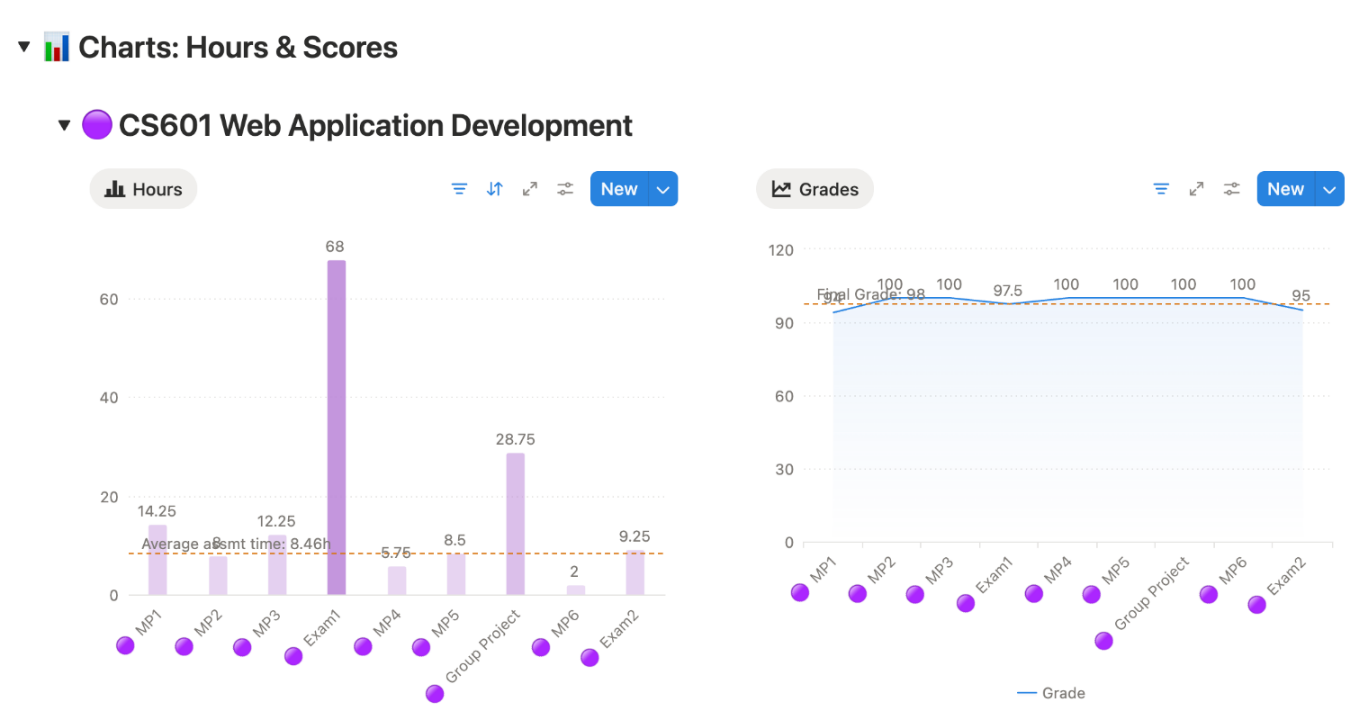
I manage each term’s courses with a dashboard page in Notion. Each dashboard tracks progress in real time, integrates with Notion Calendar, calculates grades automatically, and ends the term with reflections, charts, and insights.
View live dashboard at: 2026 Spring Course Dashboard
4 Other Notion Databases
As an active Notion user, I have built several databases to organize different parts of my daily life. Here are some examples.
4.1 Auto-Pay Database
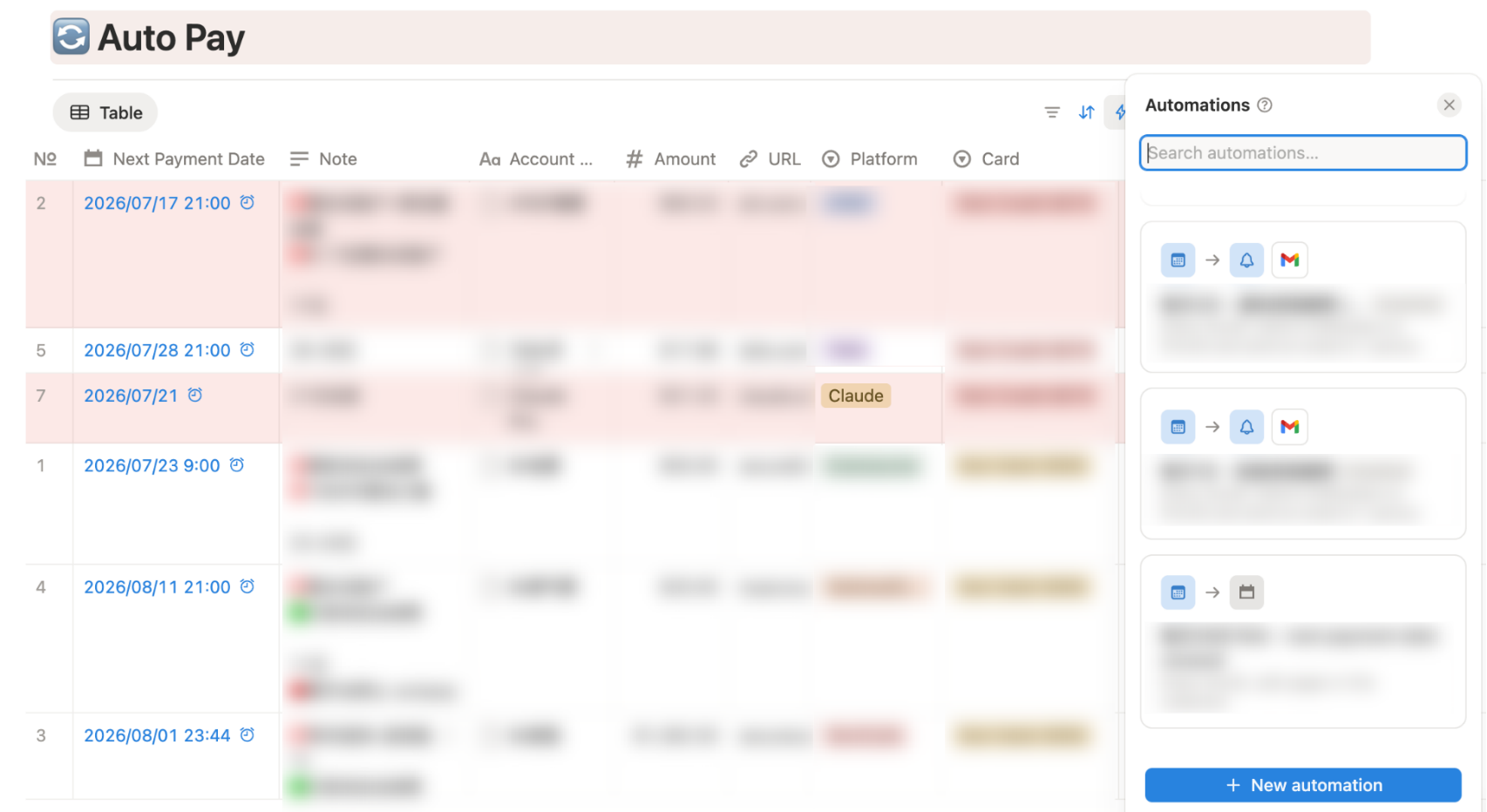
This database manages my recurring subscriptions. After a one-time setup, automations track renewals and send timely reminders.
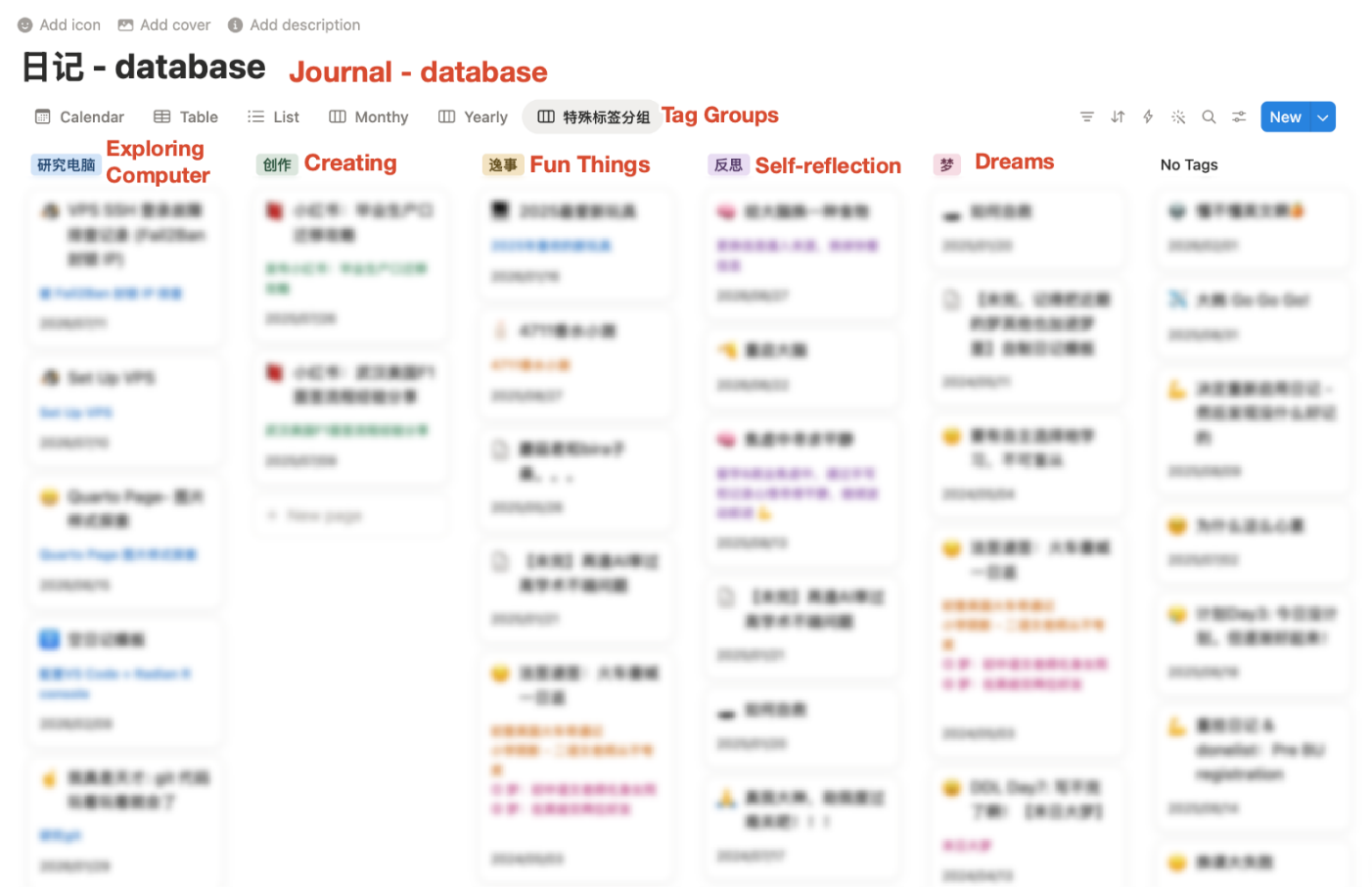
4.2 Journal Database
This database captures my daily progress, key lessons learned, self-reflections, and personal experiences.
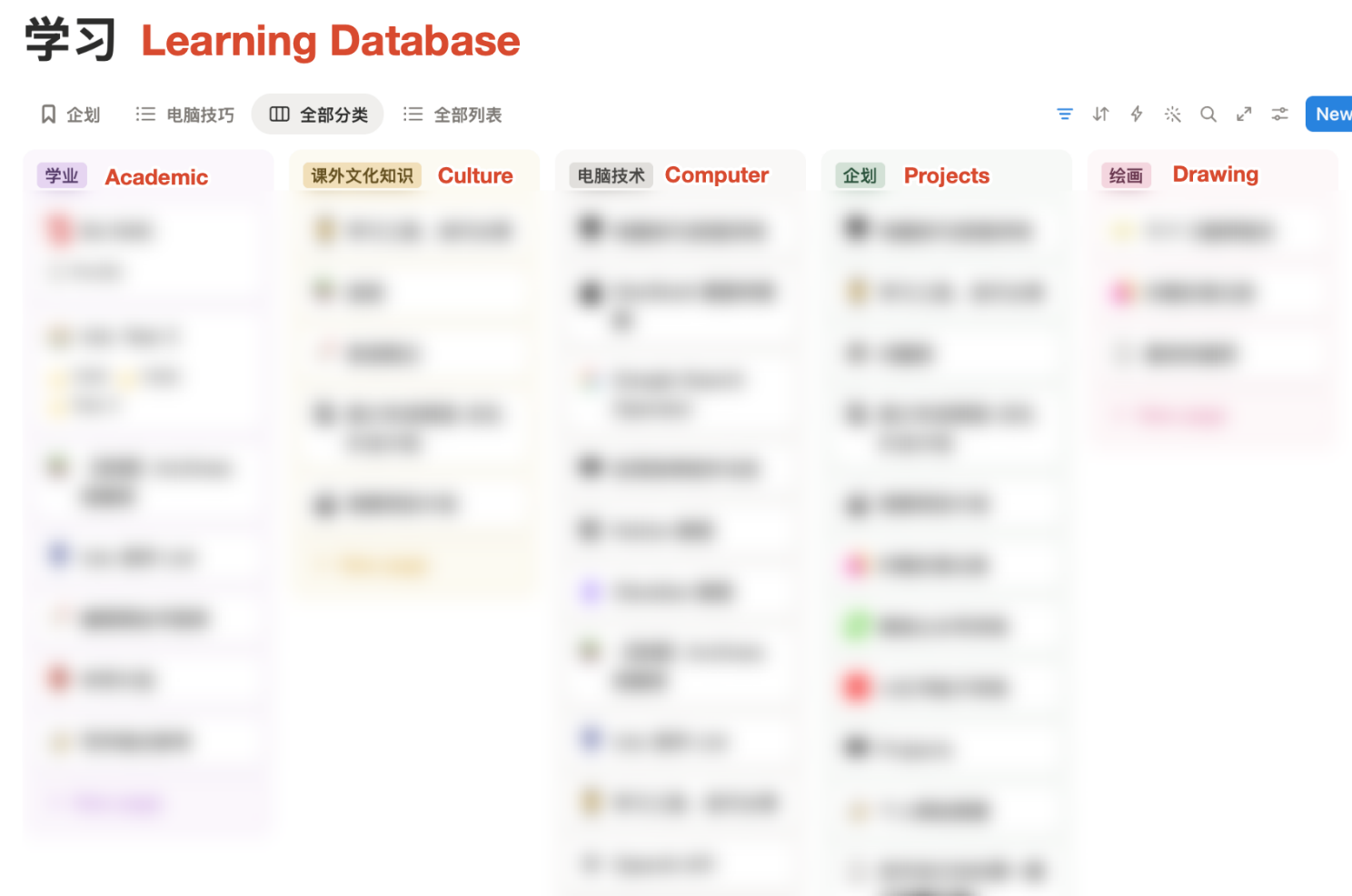
4.3 Learning Database
This database is one of the main portals to all my pages and databases. I expand and put ideas into practice in its sub-pages.
5 Bonus
When sharing Notion pages, the URL may be too long. Try my URL Shortener ;P.