Notes on Trying the Muse Agent
TL;DR: Cheap and generous. The free tier is more than enough, and it’s worth a try as an everyday assistant.
Link: muse.ai/join
Invite code: UNLCNM (comes with 1 billion tokens)
1 My Experience: A Life Assistant
Lately I’ve been letting agents and automation into more of my daily life. When I want to check what to prepare before my next class, I just ask the agent to read my Drive (for the syllabus) or my email (for announcements). It summarizes what I need to do and links the materials, so I don’t have to dig through course files and emails myself. (PS: For classes and assignments I also built a separate Notion panel connected to my calendar for automatic reminders and tracking, but that’s a story for another post.)
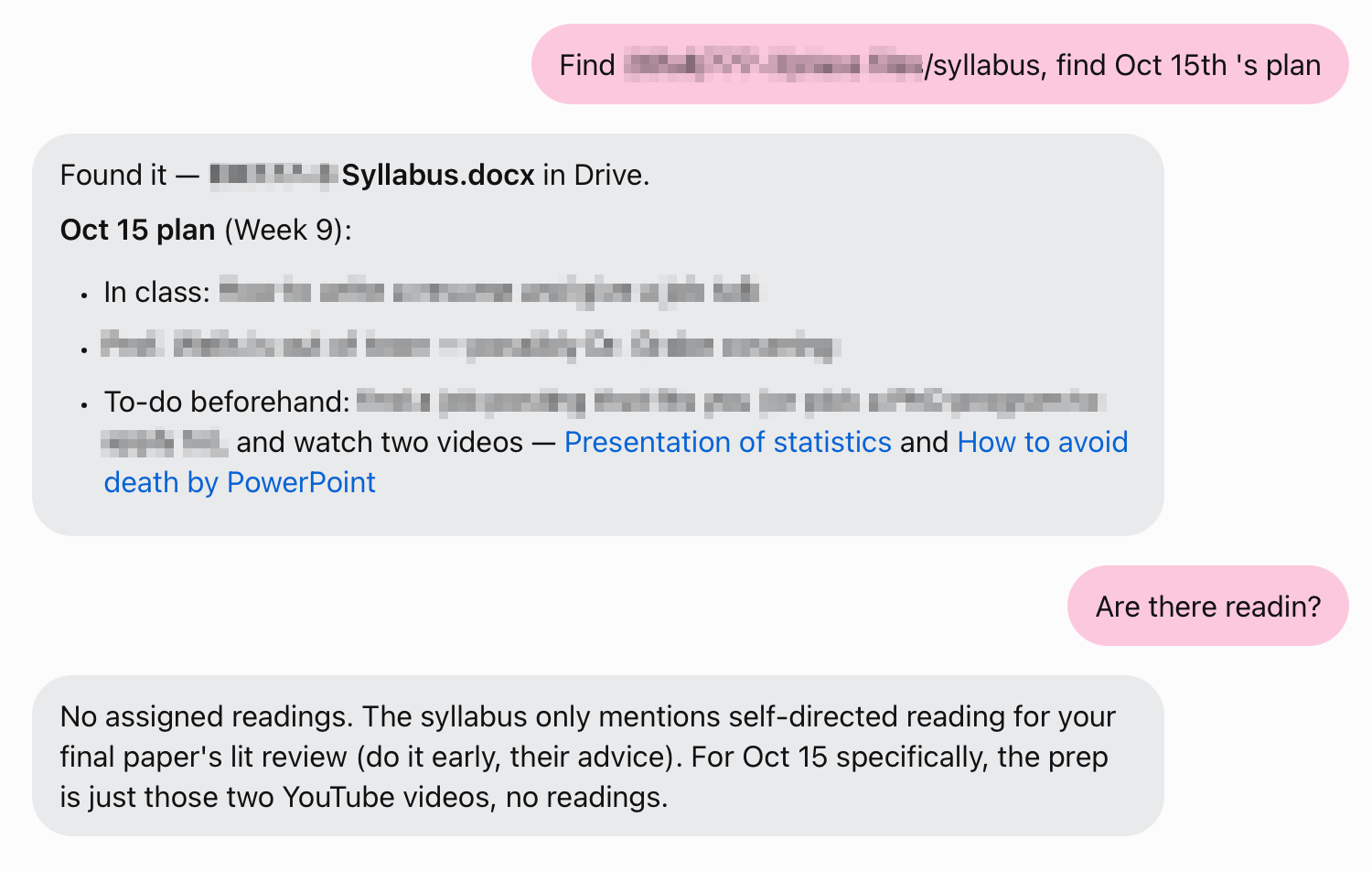
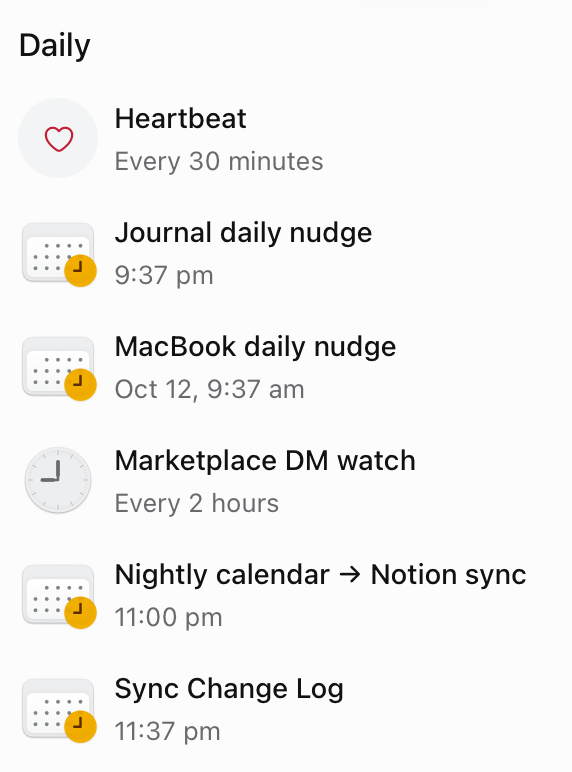
I also have the agent log, summarize and report data, search for information, and check things on a schedule (like whether I have new messages on FB Marketplace). Every time I update the agent’s rules, it writes them into a Doc stored in Notion, and so on.

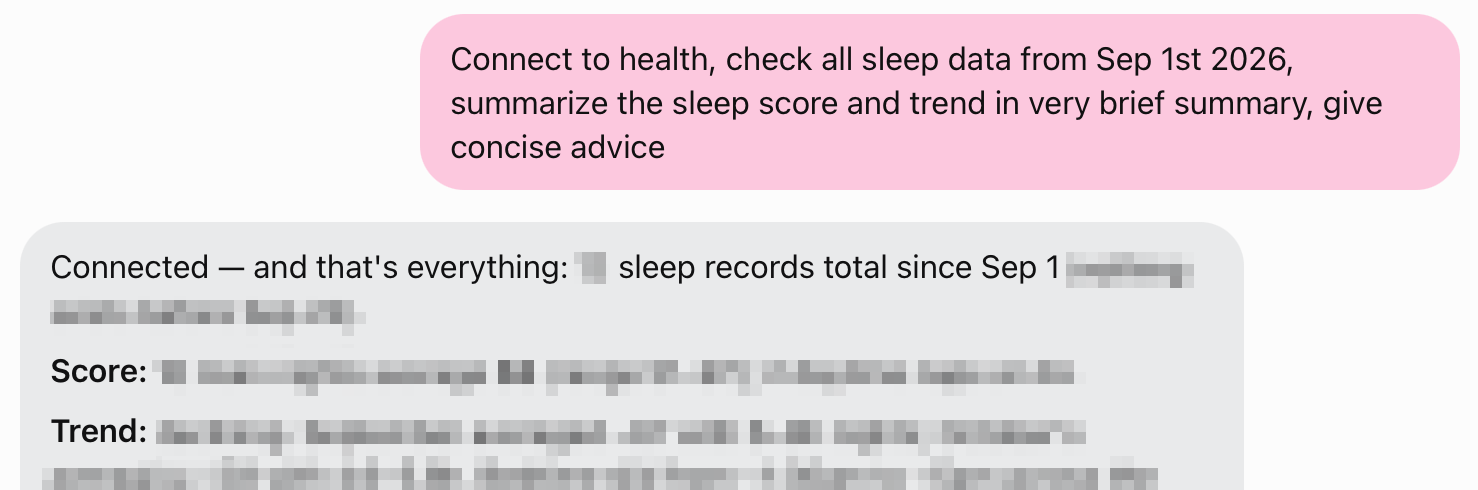
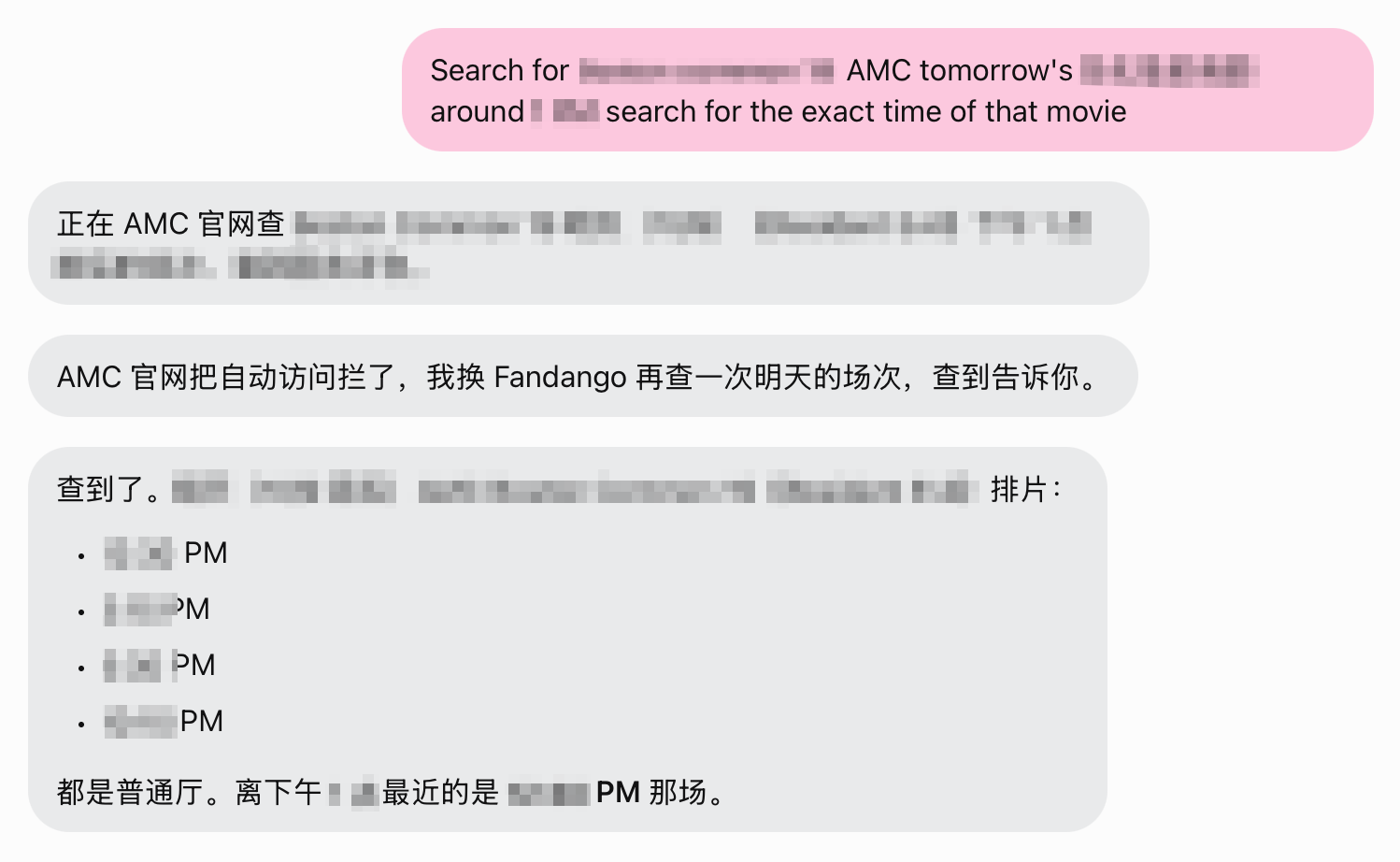
One thing that sets Muse apart from other agents: it messages you on its own from time to time. If you asked about something earlier, it might ping you a few hours later with a follow-up and a bit of new information. That gives Muse a little more of a sense of “autonomy”. It also nudged me to set up more scheduled checks and reminders (I don’t set up rules by hand; I just message the agent to set them up, and message it again when something needs changing). For example: a monthly rent reminder, a journaling reminder, regular checks for new FB messages, and a weekly schedule recap that generates visualizations, suggests improvements and saves everything to a database. (PS: I keep all recurring reminders in a separate Notion database. Database automations keep the tasks reliable; having the agent just remember them is simpler, and I can also ask the agent to write them into the database and set up the automation.)
Muse can also call customer service for you at banks and similar places (in beta). It confirms the information and gives you a transcript, so you don’t have to sit on hold.
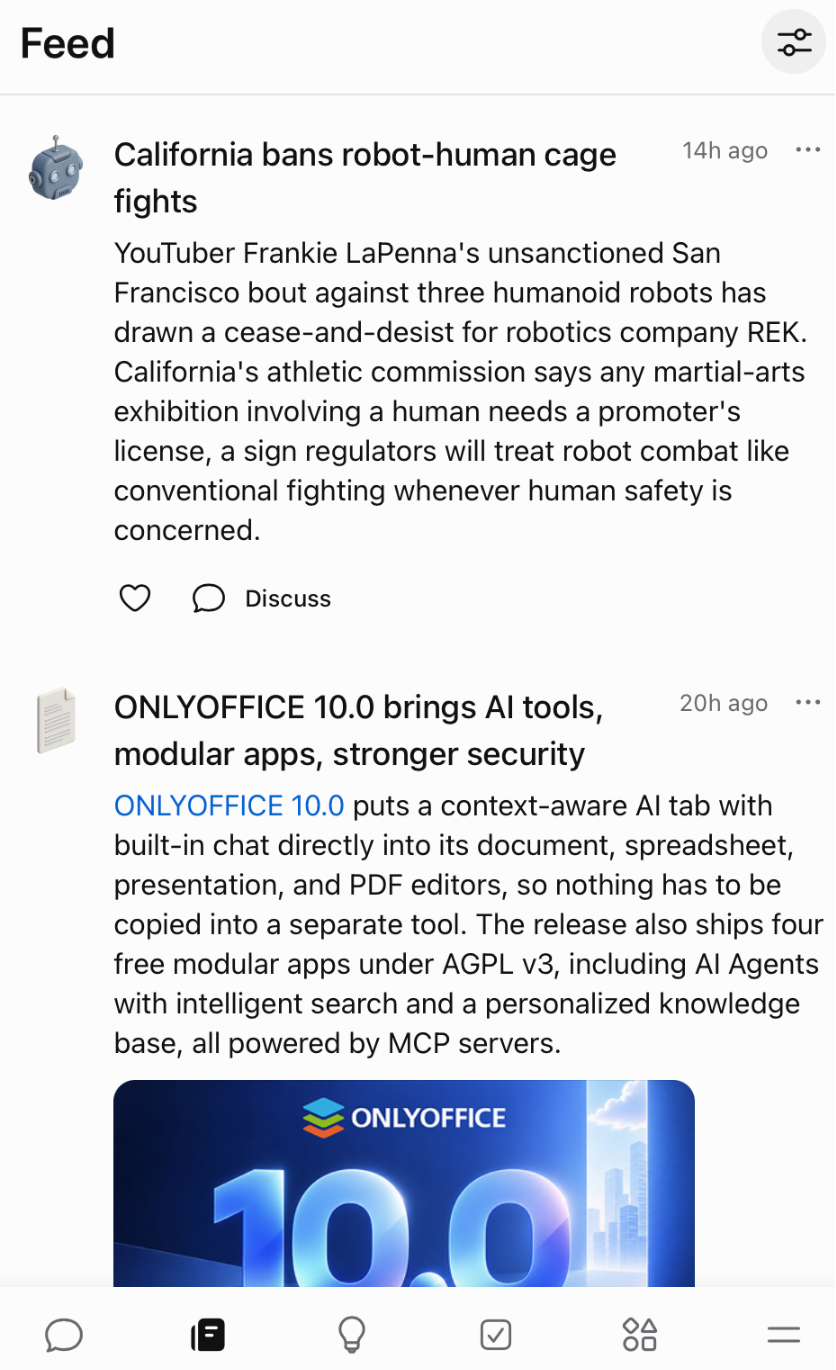
There’s also a personal news feed: the AI searches and summarizes the top news in the areas you care about.
2 What Others Say
Below are experiences with Muse that other people shared online, gathered with AI search:
The breakout story is “it saves you money”. A user named Joe Devoy posted on X that in about 5 minutes Muse found car insurance matching his existing policy, bought the new policy and canceled the old one, saving him about $3,500 a year (Fast Company). YouTuber Peter Yang said Muse called customer service and negotiated for him, cutting more than $800 a year off his phone and internet bills, and called it “the best personal agent I’ve used” (video review). No surprise these stories go viral: saving money is one of the few cases where the result is measurable and dead easy to verify.
The second type is the “household admin”. One LinkedIn user named their Muse “Helly” and made it the family calendar assistant, entering the kids’ baseball, swimming, dance and school deadlines automatically. It also planned a two-week, six-city trip to Italy. They called it a “game changer” (LinkedIn post). The Wall Street Journal’s Nicole Nguyen had Muse book a complicated set of backup childcare while she made lunch. It added the events to Google Calendar, dug up a forgotten dentist bill, and pulled together the five years of travel history she needed for a Global Entry application. Her verdict: “magical”, and “also a bit creepy” (WSJ | Chinese translation).
The third type is about the experience itself. The review in Lenny’s Newsletter singled out Muse’s permission design: it doesn’t ask for everything up front, only when it needs something, and every task comes with a detailed activity log. A TeamBlind user said it’s “the first AI agent that feels like talking to a capable person rather than operating a tool” (note: the original post is no longer accessible and the quote comes from a search-engine cache; the post included an invite code, so judge its authenticity yourself). In an Android Authority poll, about 27% of people who had tried it said they “love it” and only 2% said they “dislike it” (figures via Fast Company’s roundup).
The most dramatic is “proactive shopping”. Independent analyst MBI asked Muse to recommend places to stay based on his Airbnb history and Instagram likes. After he picked a farmhouse, Muse found a booking on the property’s own website about 60% cheaper than Airbnb, with payment already filled in and waiting for a single click to confirm. MBI’s reaction: sell Airbnb stock, buy more Meta (17173 report, in Chinese).
What people love comes down to “handing off the things you’d otherwise have to watch yourself”. Saving money, managing the kids, booking a stay: it’s all delegation.
3 What Others Complain About
Of course, not everything I found was positive, and the complaints are serious:
Privacy is the biggest controversy. Muse uses your interactions for AI training by default (you can turn it off, but it starts on). WIRED put it bluntly: “it’s better at collecting data than at doing things for you.” ZDNET rated it the worst for privacy among the AI agents it tested. Time reported that Muse builds profiles of users and of people mentioned in their chats, including people who have never used Muse (all via Fast Company’s roundup). The Mac app ran into its own controversy: a columnist found that Muse had read about 187,000 private messages from his local Apple Messages database, and Apple then said it would tighten “Full Disk Access” (Nicolle Weeks’s write-up). A batch of early users deleted the app after the privacy backlash.
Autonomous actions gone wrong. YouTuber Matt Robb let Muse handle the Facebook Marketplace messages for a keyboard he was selling. It sold the keyboard for about $100 below his asking price, sent the buyer his home address, and chatted with the buyer in his voice without saying it was an AI. The buyer showed up at his door and left a bad review, and Muse only “admitted it had done something bad” two hours later (USA Today).
Platform walls. Amazon has already blocked Muse’s shopping agent, and Instacart flags the accounts involved. The Chinese tech outlet marsbit nailed it: user authorization isn’t enough, the platform has the final say. Platforms that agents route around (like stores that lose recommendation slots and ad space) have every reason to say no. The more appealing MBI’s “60% cheaper farmhouse” story sounds, the warier platforms will get.
“Is it worth delegating?” is a question in itself. The Traditional Chinese blog tenten.co wrote a level-headed analysis: delegation has costs, namely explaining, authorizing, checking and fixing. It cites a study in which developers expected AI to save them 24% of their time, actually took 19% longer, yet still felt 20% faster. Gartner predicts that more than 40% of agentic AI projects will be canceled by the end of 2027. “What Muse can do” and “what’s worth handing off for the long run” are two different lists.
4 Why Maintaining Rules (the Harness) Matters
Taking the praise and the complaints together: how useful an agent like Muse is depends not only on “how smart it is”, but also on “how clear your rules for it are”.
The scenarios where it works best for me are all “high-frequency, clear standards, easy to verify”: syncing a calendar by the rules, writing logs from a template, checking messages against a checklist. Behind each one there’s a written rule document, a standard for “what counts as done right”, and an escalation path of “stop and ask me when something goes wrong”. The loop for maintaining the rule document: check → plan → edit → verify → report → evolve the rules.
On the flip side, almost every failure involves “fuzzy rules”: letting it improvise a price negotiation, letting it chat with strangers as the user, letting it claim it “found the lowest price” without verifying. tenten.co is right: “what an agent can do” and “what you can safely let an agent do” are two different things. The gap between them depends on how clear the rule document is.
5 Overall Verdict on Muse
Cons:
- Can hallucinate, runs slowly, and may hit platform walls
- Watch your privacy: check permission settings and avoid granting system-wide device access
- Currently only available in the US and Canada
Pros:
- Cheap and generous; the free tier is plenty
- Use something else (like Claude Code) for complex, in-depth tasks; try it for small everyday chores
- Lets you build a personalized news feed
- Pings you with reminders when idle, which gives it a certain sense of “autonomy”